how to import heightmaps into UE5?

  • Автор темы Автор темы Bl4st
  • Дата начала Дата начала

Bl4st

Бывалый
Участник
Старожил I степени
Сообщения
97
Розыгрыши
0
Репутация
2
Реакции
47
Баллы
615
1773783377315.webp 1773783433944.webp

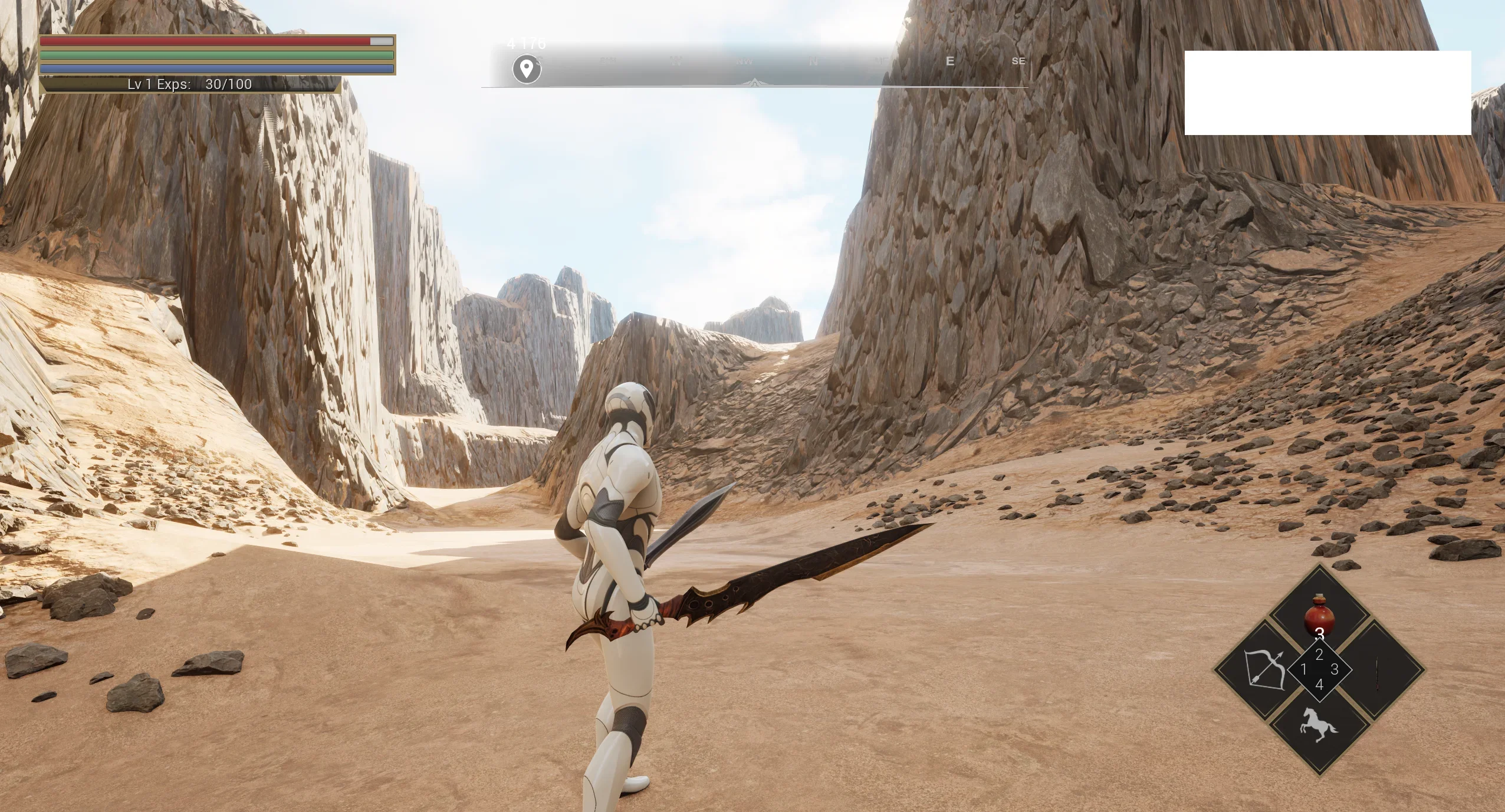
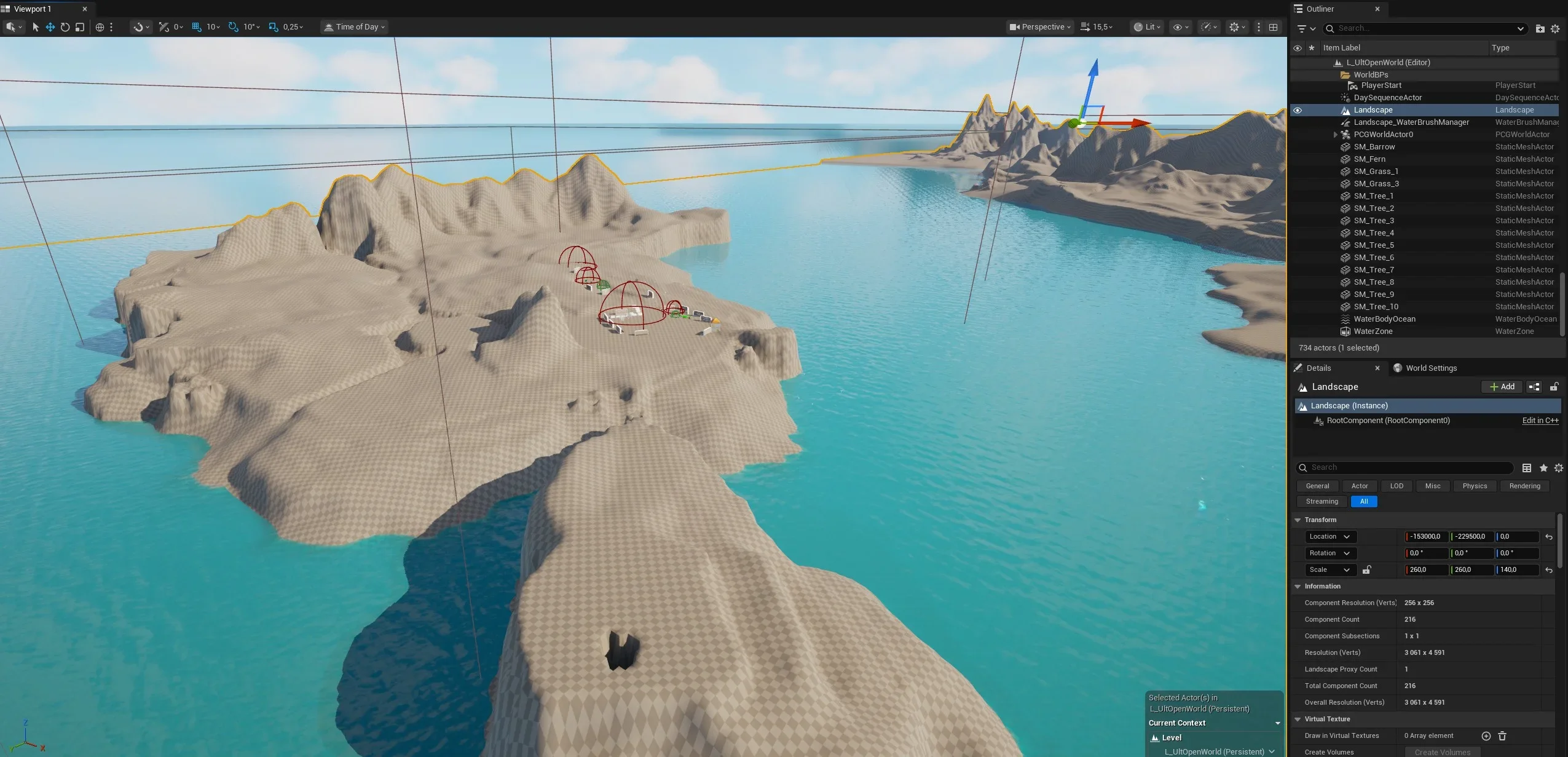
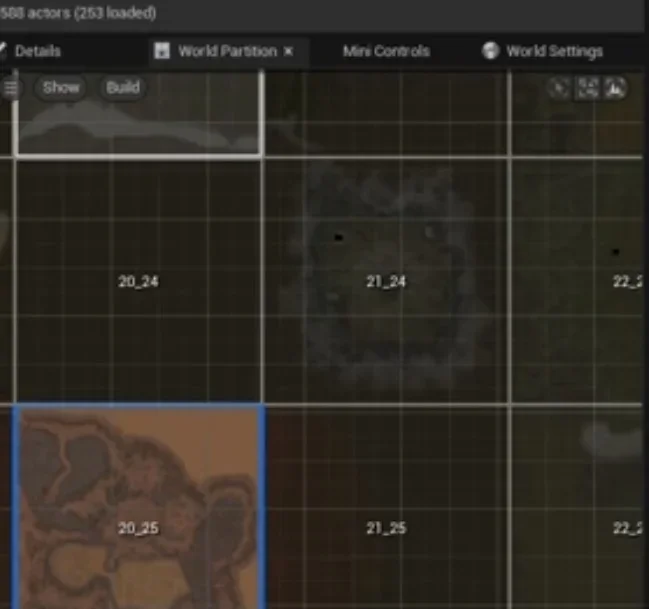
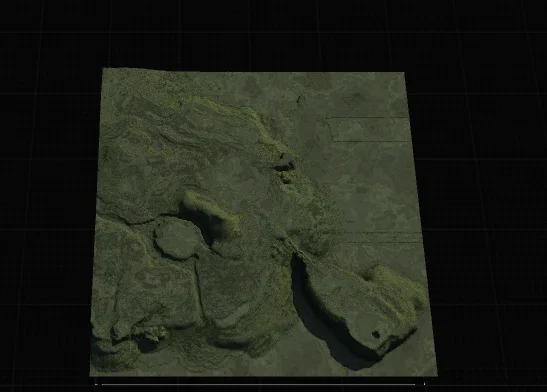
well i tried to export heightmaps (17_25 in this case) from talking island from bmp then converted them in .raw and them into gaea exported to unreal engine but when i import them in ue5 they look very awful was wondering why and if there is any other way to import them with better quality looks like the issue is in ue5 or export? because in gaea they look very nice?

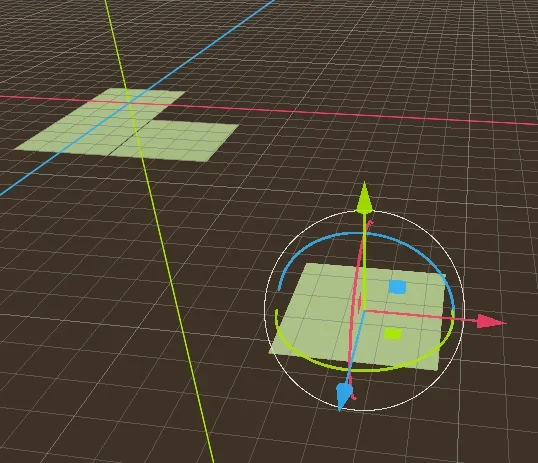
the other question is how do i connect the tile maps together like the whole world what is the proccess? any help? or guides will be appriciated.
 
Посмотреть вложение 94334Посмотреть вложение 94335

well i tried to export heightmaps (17_25 in this case) from talking island from bmp then converted them in .raw and them into gaea exported to unreal engine but when i import them in ue5 they look very awful was wondering why and if there is any other way to import them with better quality looks like the issue is in ue5 or export? because in gaea they look very nice?

the other question is how do i connect the tile maps together like the whole world what is the proccess? any help? or guides will be appriciated.
.bmp -> .tiff ->ue5 tried?
 
Оверпостинг
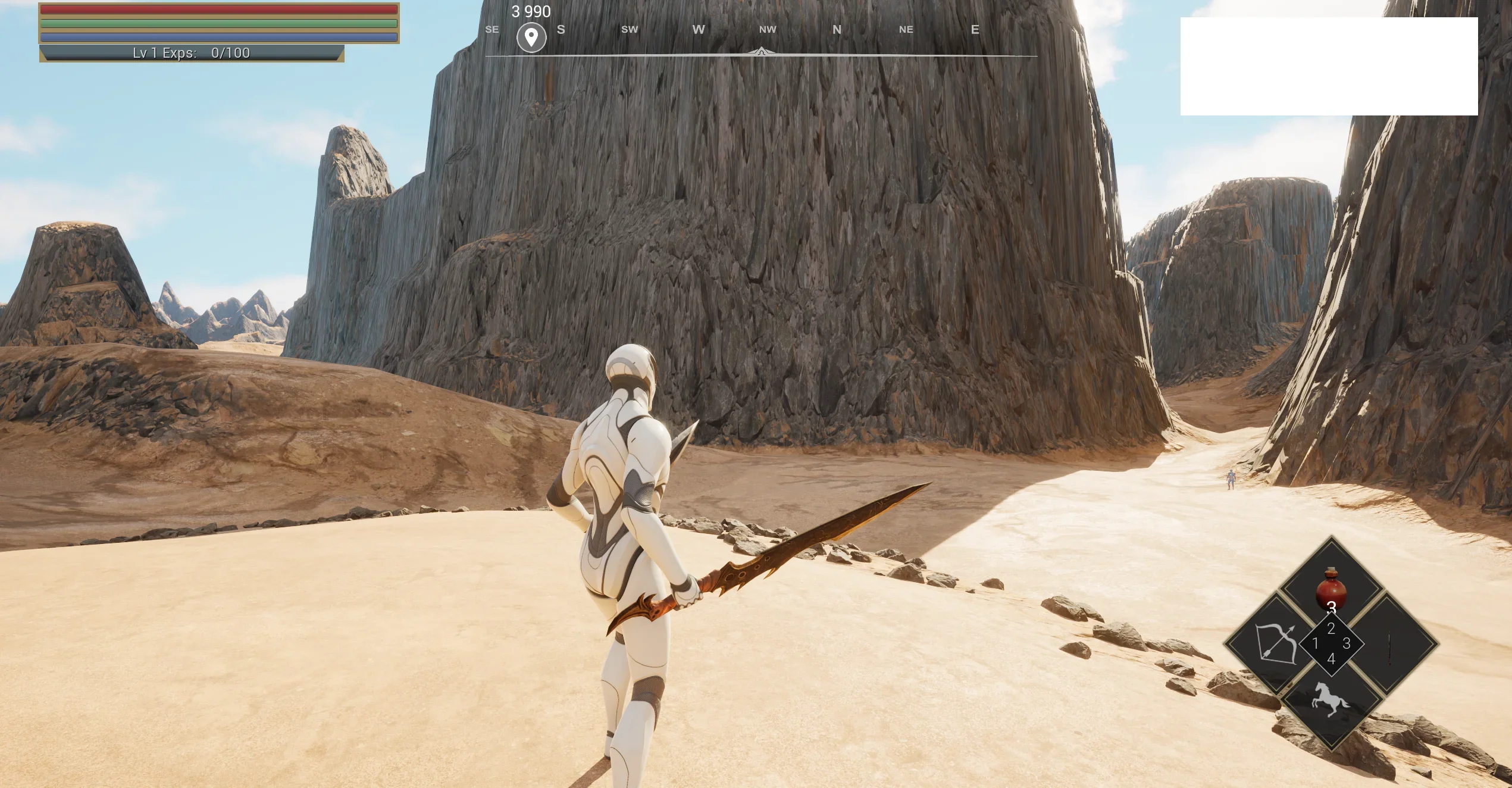
i asked payed Claude AI to work with standart unr's from l2 client -it converted it to greyscale PNG's then stitched them together to one large png heightmap-most important to describe what you want correctly i dont have prompt now
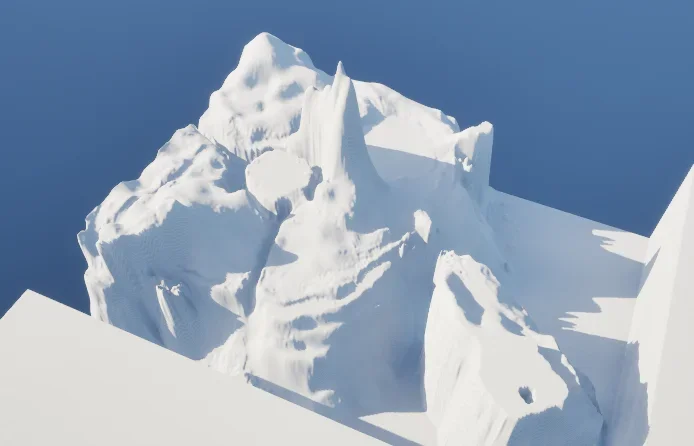
It is entrance to Dragon Valley -scale seems good-anyway "Z" can be tweeked in engine

Actualy your talking island doesn't look very ugly it just has high "Z" -reduce it in Landscape general setting-TRANSFORM in right overview window
 

Вложения

  • Screenshot 2026-02-27 222536.webp
    Screenshot 2026-02-27 222536.webp
    588,1 КБ · Просмотры: 90
  • Screenshot 2026-02-27 222401.webp
    Screenshot 2026-02-27 222401.webp
    414,1 КБ · Просмотры: 78
  • Screenshot 2026-03-17 175340.webp
    Screenshot 2026-03-17 175340.webp
    305 КБ · Просмотры: 85
Последнее редактирование модератором:
i asked payed Claude AI to work with standart unr's from l2 client -it converted it to greyscale PNG's then stitched them together to one large png heightmap-most important to describe what you want correctly i dont have prompt now
It is entrance to Dragon Valley -scale seems good-anyway "Z" can be tweeked in engine

Actualy your talking island doesn't look very ugly it just has high "Z" -reduce it in Landscape general setting-TRANSFORM in right overview window
1773851088947.webp


yes changing the z scale actually helped get the setup talking island map right, but the edges are very sharp like they cutting each tile and deep, do you know how to solve this?
 
я знаю, а зачем мне это надо?
 

Вложения

  • IMG_8011.webp
    IMG_8011.webp
    13,7 КБ · Просмотры: 31
Последнее редактирование:
it's very easy, very very easy.. hunny bee
 
it's very easy, very very easy.. hunny bee
You can explain maybe? I’m confused because when I load my landscape material it also affects the whole level which I don’t want so it make me little bit confusing on how can I import individual landscapes inside with their own landscape material.
 
Оверпостинг
explain what you want, what you do, and what your have in your project right now
p.s. because u already imported your HM into editor, the problem was solved. So your question and topic theme are discouraged.

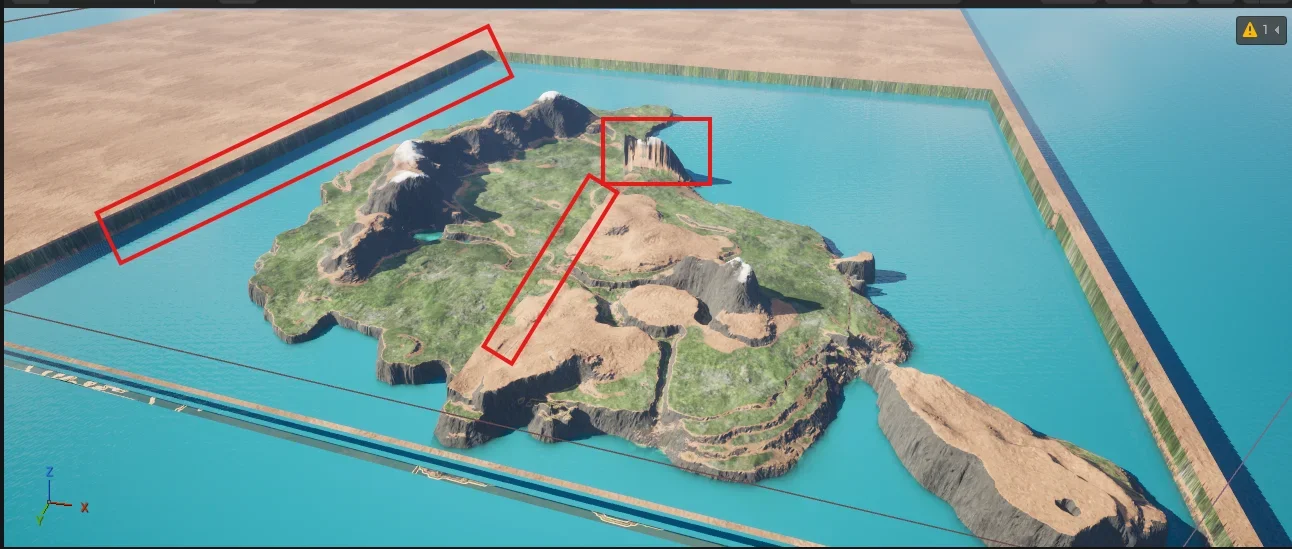
Those a different tiles, represented as l2 map regions with some offset in distance
 

Вложения

  • 1773914801584.webp
    1773914801584.webp
    41,3 КБ · Просмотры: 29
Последнее редактирование:
Назад
Сверху Снизу